What it is
Not a video. A system that answers back.
A digital twin is a working software model of a real system — a production line, a wireless link, a microcontroller circuit, a semiconductor test flow. Learners operate it, change it, and break it. The model responds the way the real system would, so the skill they build is the skill they will use on day one.
The loop
Decision → consequence → evidence
Every NexusPro lab runs the same five stages. This is what separates a simulation from a slideshow: the learner is accountable for an outcome they can measure.
Worked example
One learner, one wrong answer, one lesson learned.
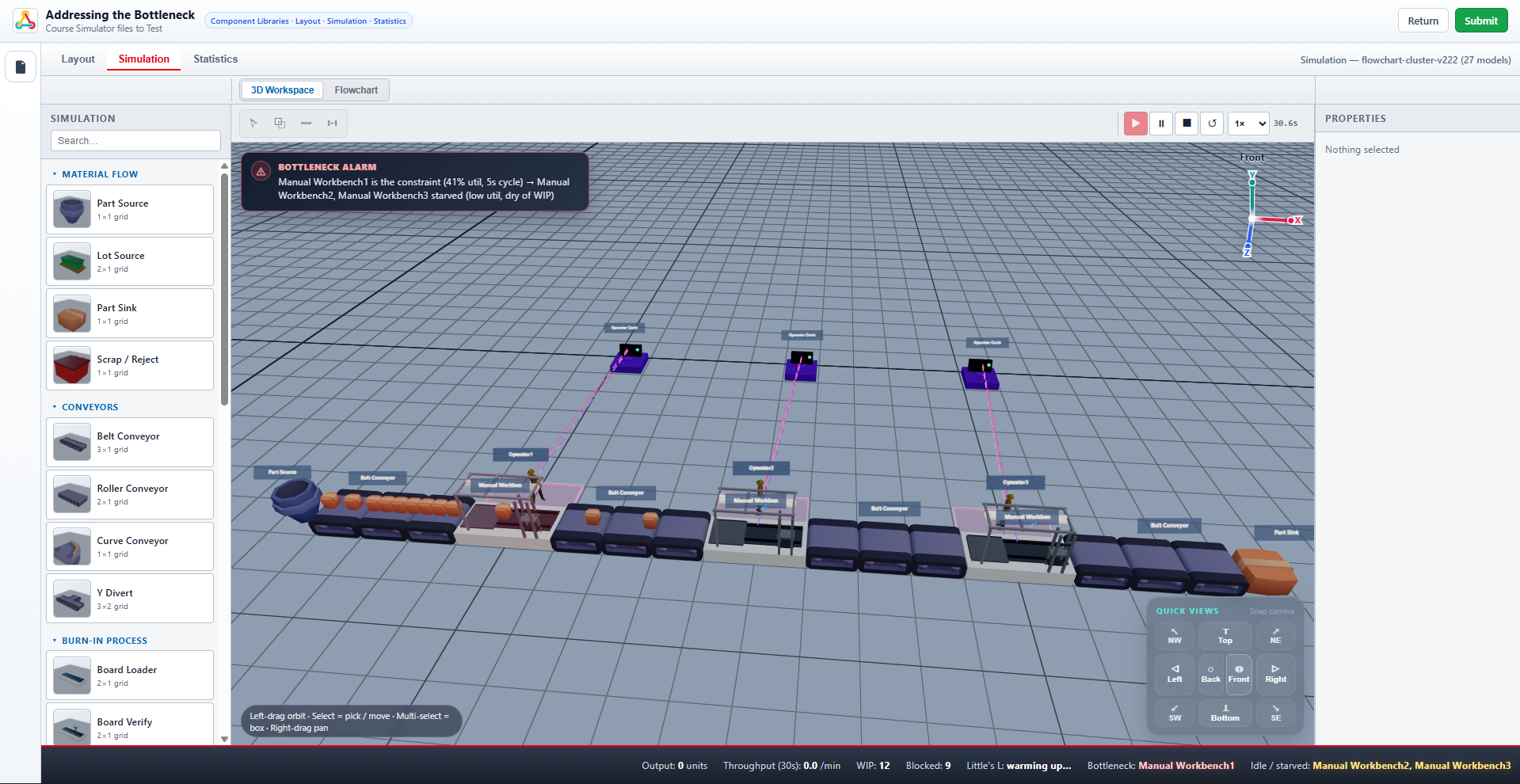
From Addressing the Bottleneck, a lab activity in Workflow and KPI Simulation. A five-station assembly line is missing its daily target. The learner has to find out why.
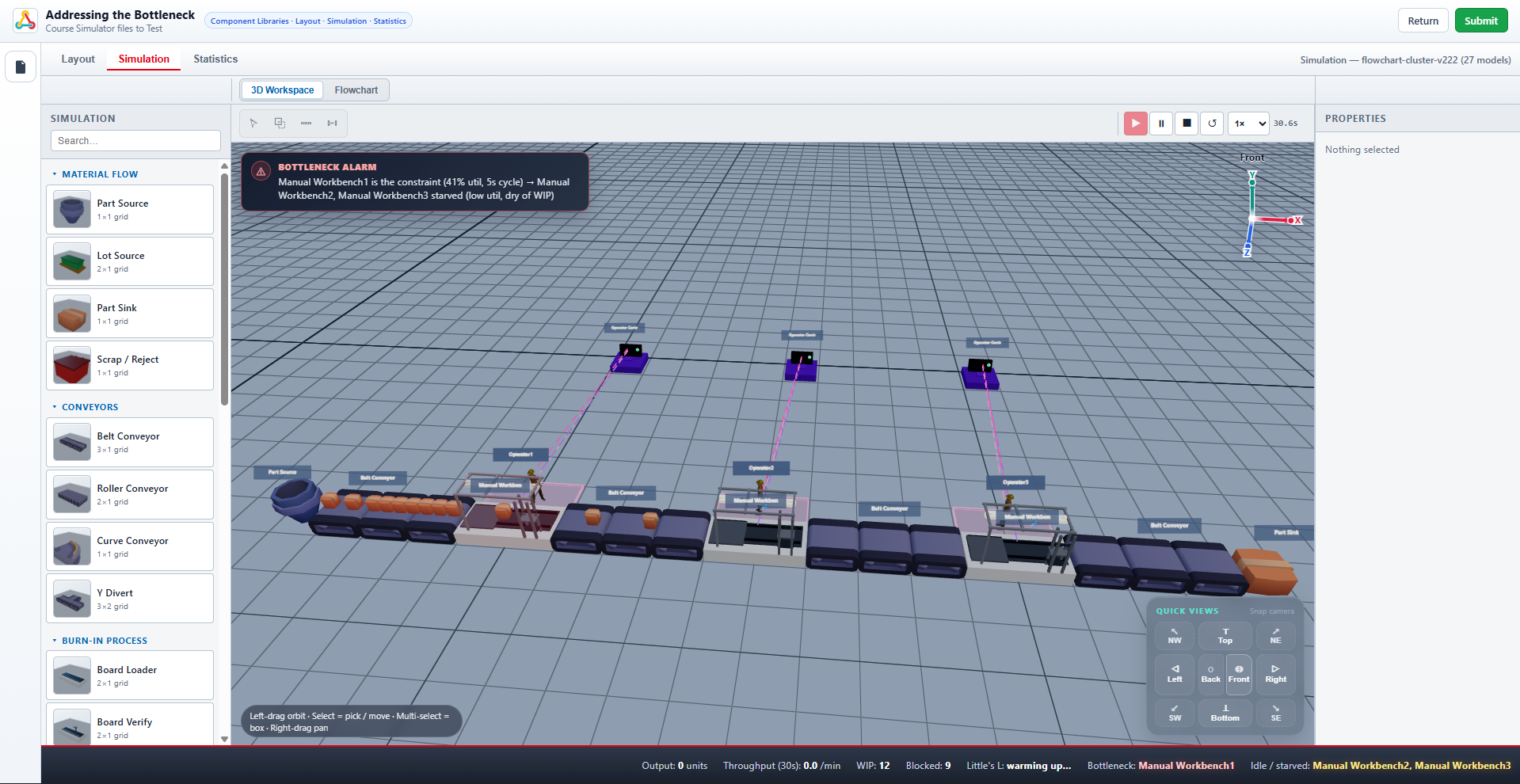
| KPI | Before | After | Target |
|---|---|---|---|
| Output (units) | — | — | — |
| Throughput /min | — | — | — |
| WIP | — | — | — |
| Blocked | — | — | — |
| Little's L | — | — | — |
| Bottleneck | — | — | — |
Feedback Preview
The learner added an operator at Station 2, which had the longest visible queue. The queue cleared — and re-formed at Station 4. The visible queue was a symptom, not the constraint: relieving an upstream station only pushes work into the real bottleneck faster. Recommended next step: retry using the capacity-planning method from Lesson 2.
Across sectors
Six twins. Six kinds of proof.
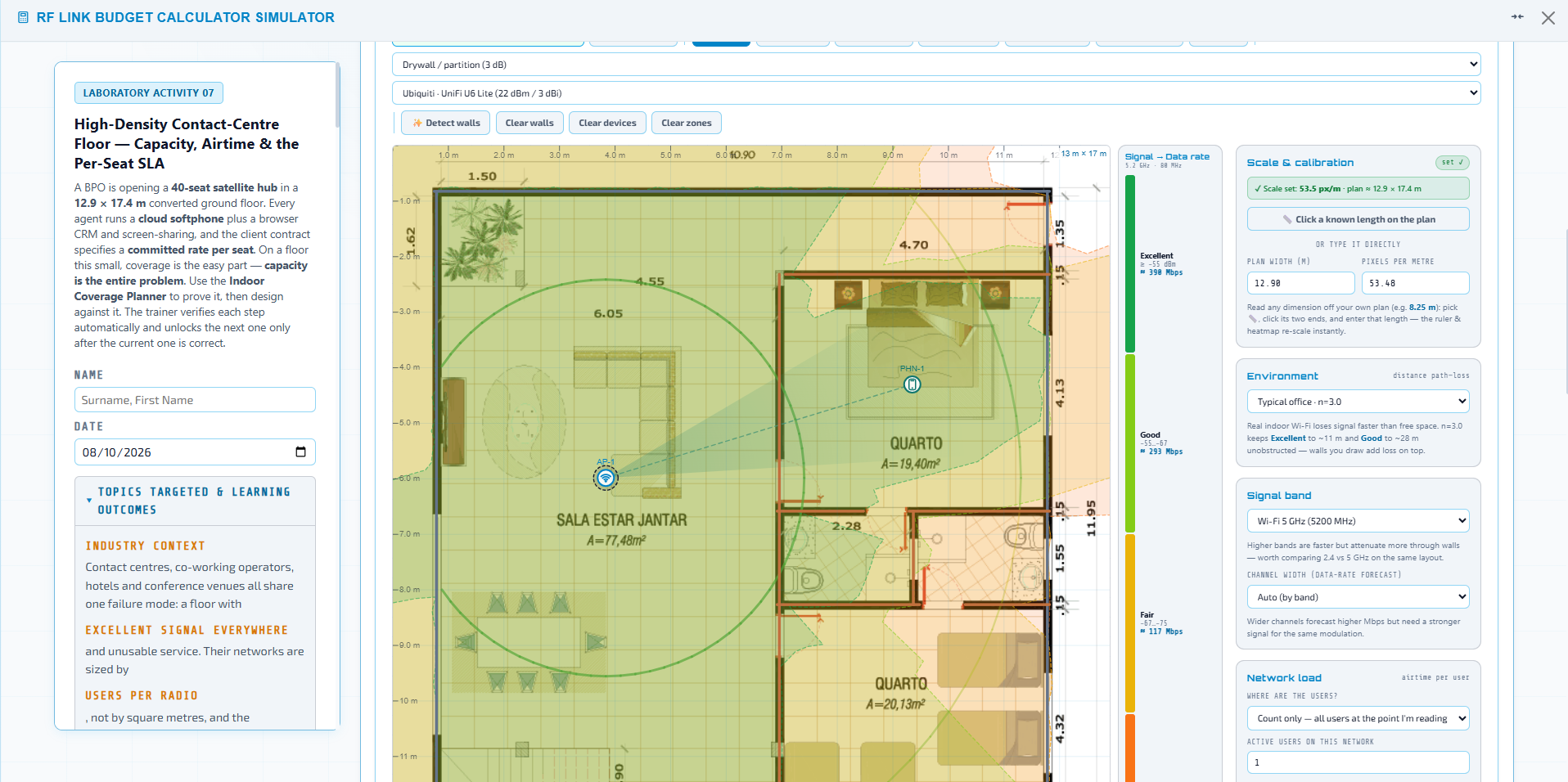
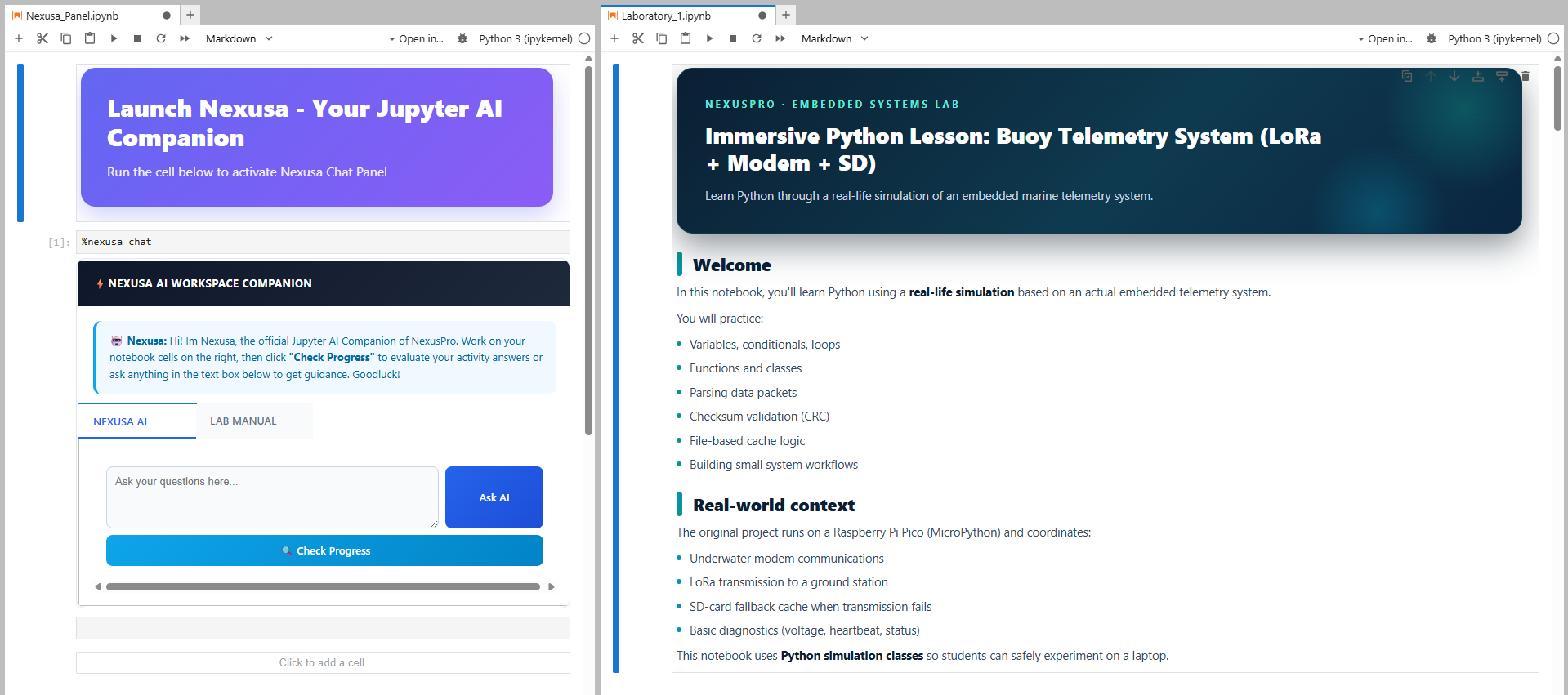
Each of these is a live lab inside a published NexusPro course — not a concept.
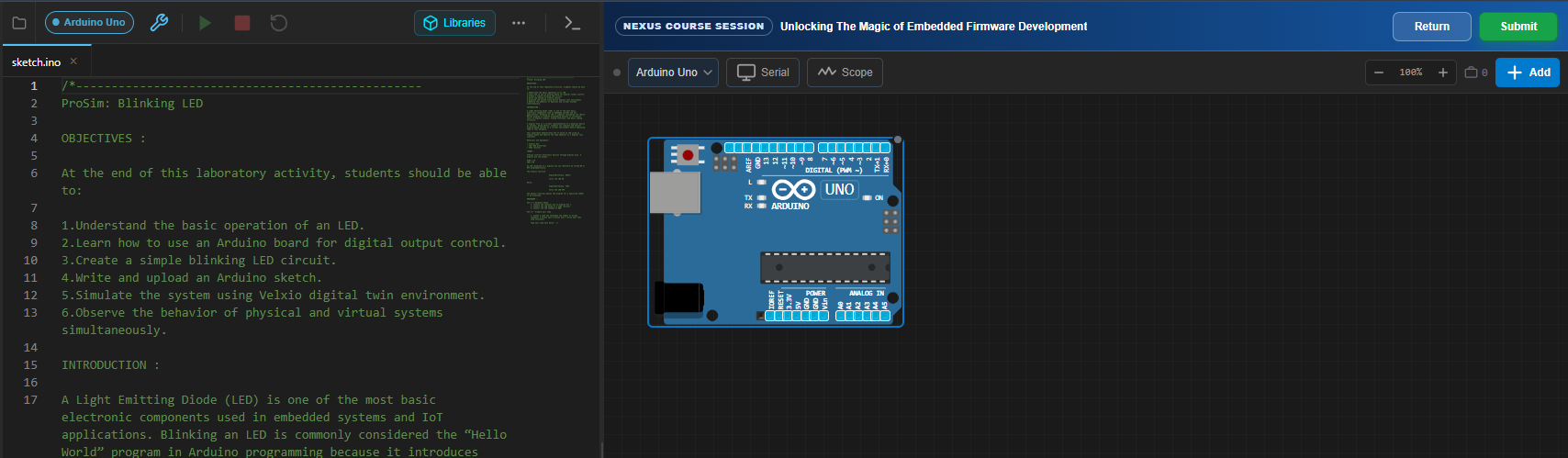
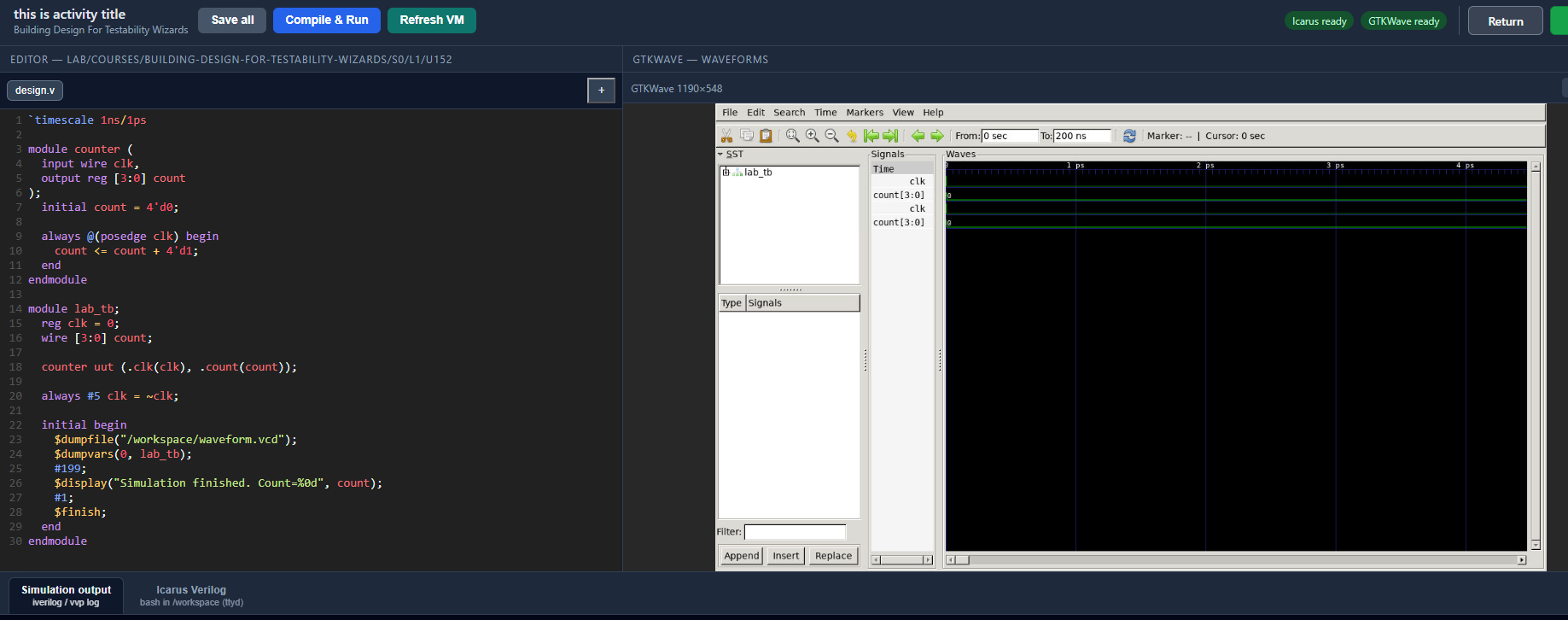
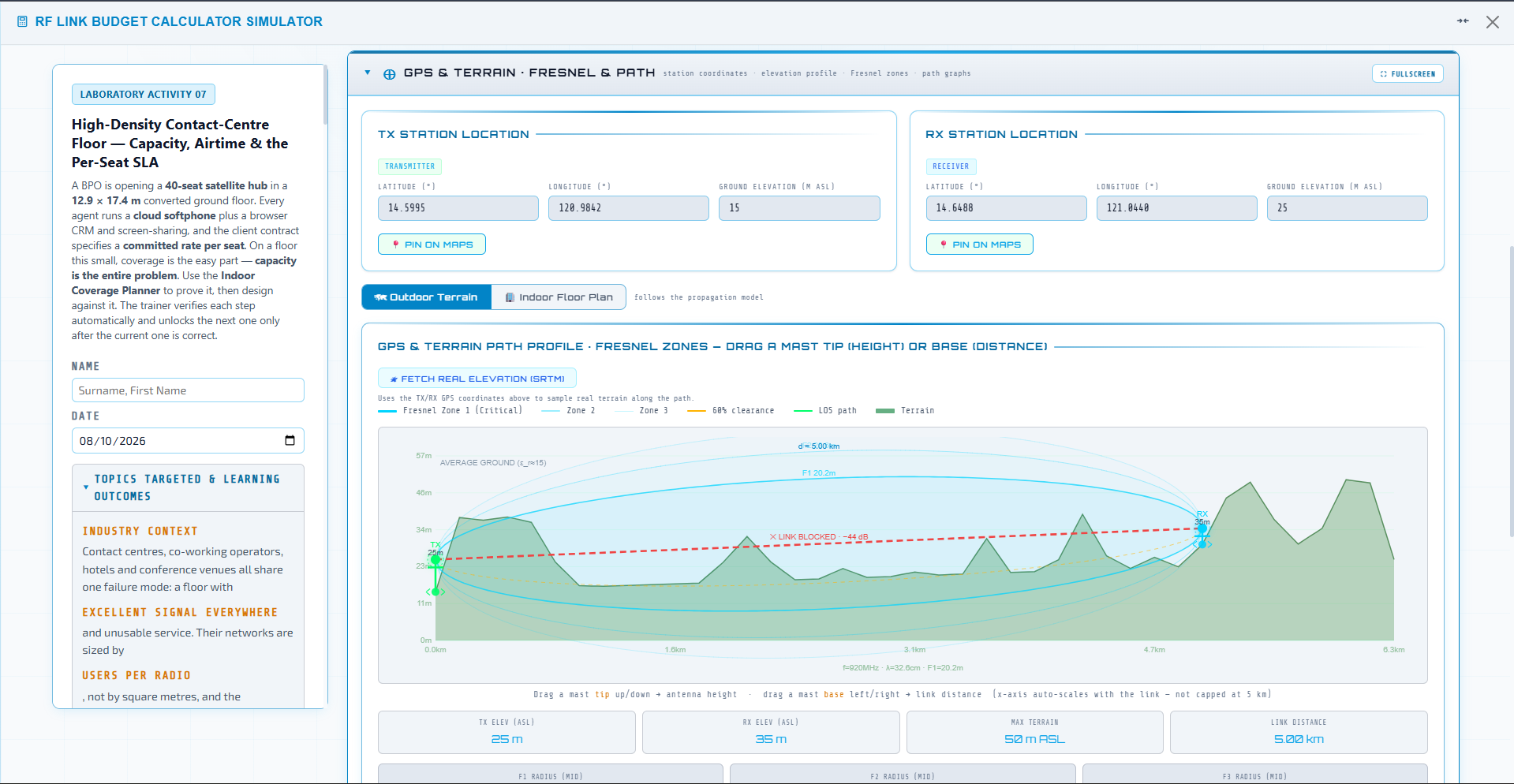
Evidence
A simulation isn't an experience. It's a record.
Every run leaves a trace. That trace is what turns "completed the course" into "demonstrated the competency" — and it's what an employer can actually trust.
Decisions
What was changed, and to what value.
Sequence
The order steps were taken in.
Time
How long each stage took.
Errors
What went wrong, and when.
Corrections
How the learner recovered.
Outcome
Final KPIs against the target.
Getting in
How simulation access works.
Four steps
- 1Enrol in a course that includes a lab activity.
- 2Request simulation access from the lesson page.
- 3Your session is provisioned — some labs run in the browser, others in a dedicated virtual machine.
- 4Work the lab. Results sync to your progress automatically.
What you need
A current desktop browser (Chrome, Edge or Firefox) and a stable connection. Browser-based labs run on any modern machine. Virtual machine sessions are provisioned per learner and are time-limited; your instructor or administrator can extend a session on request.